Module 3 Formstorming

Weekly Activity Template

Oleksandr Pyets


Project 3


Module 3

Activity 1
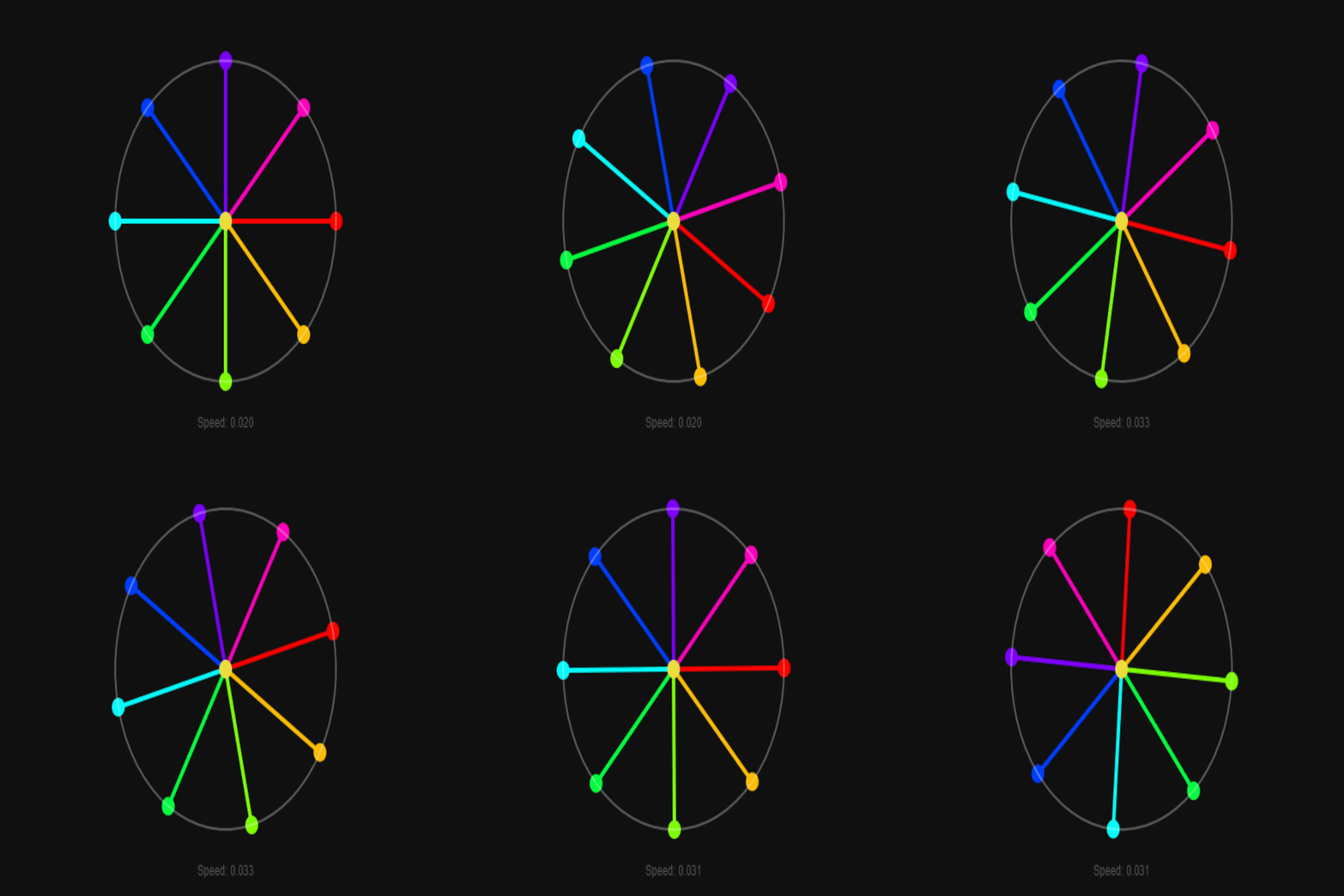
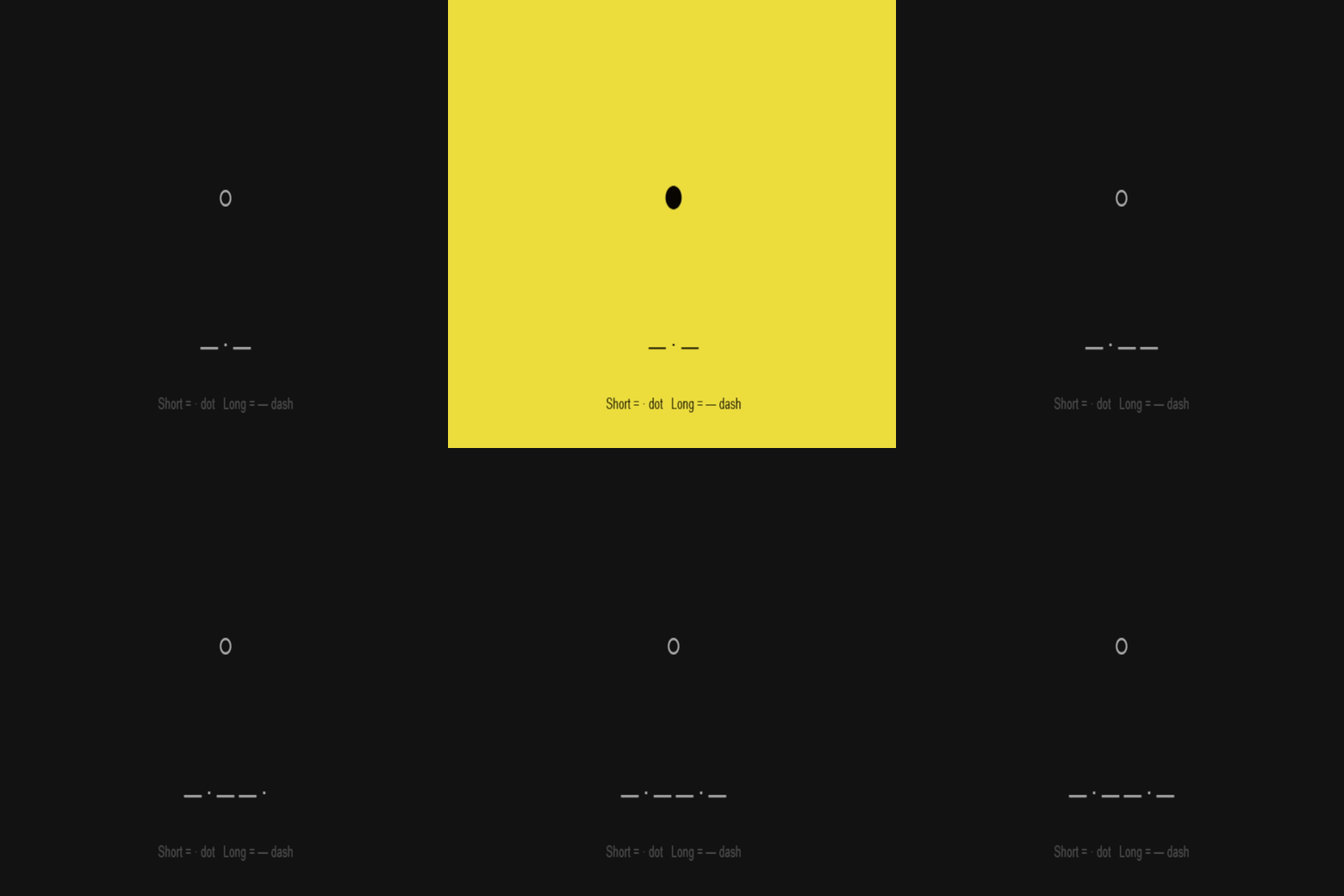
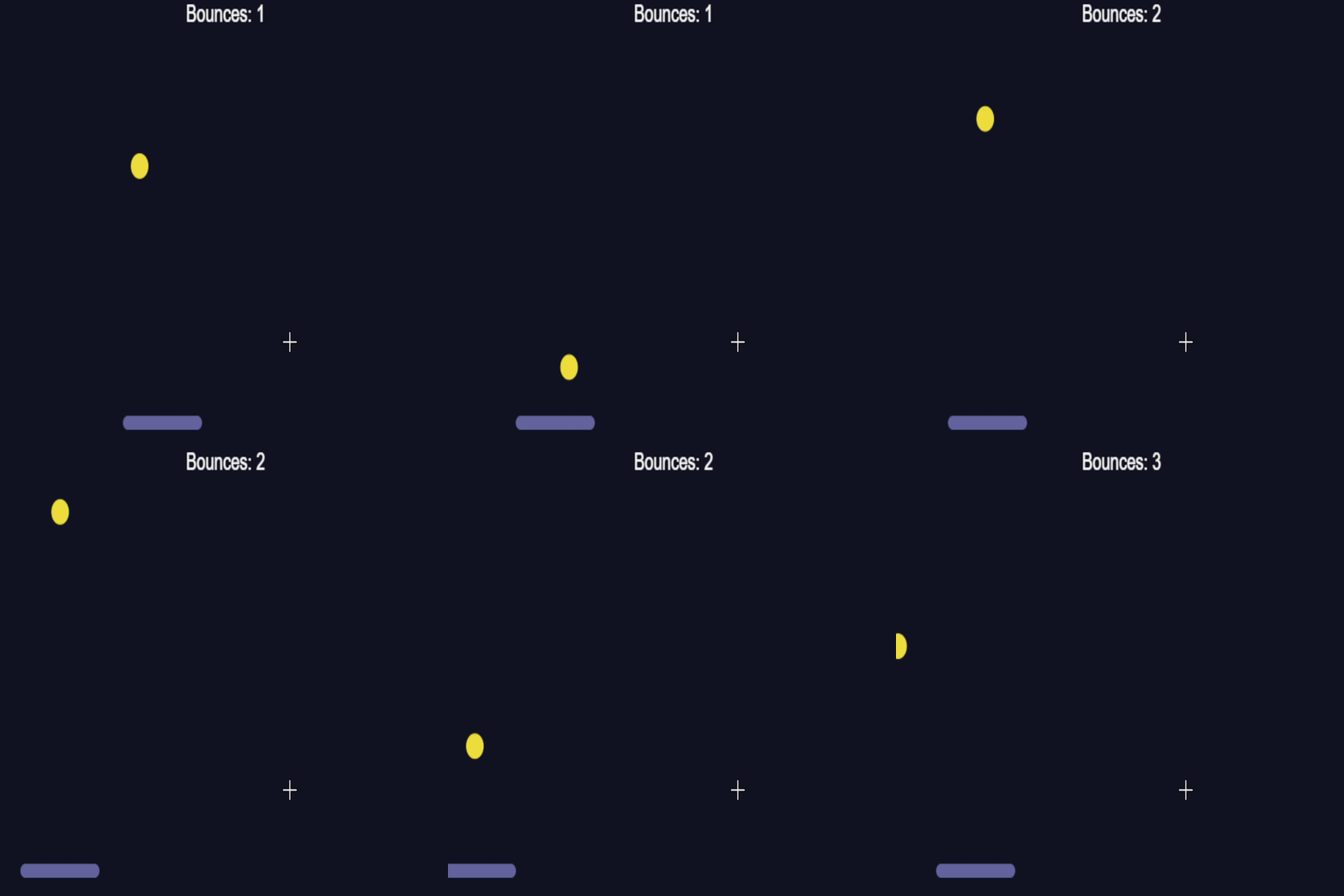
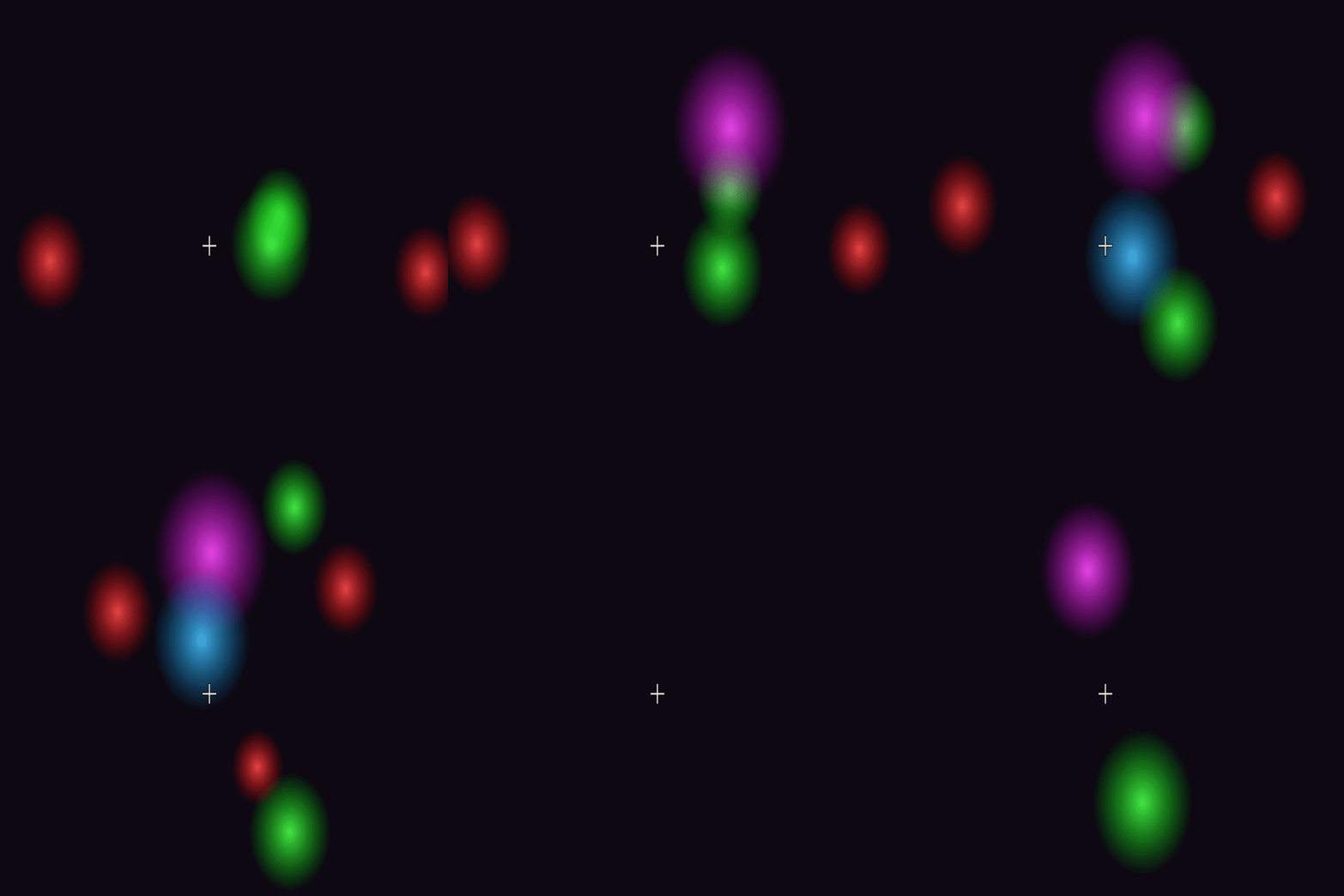
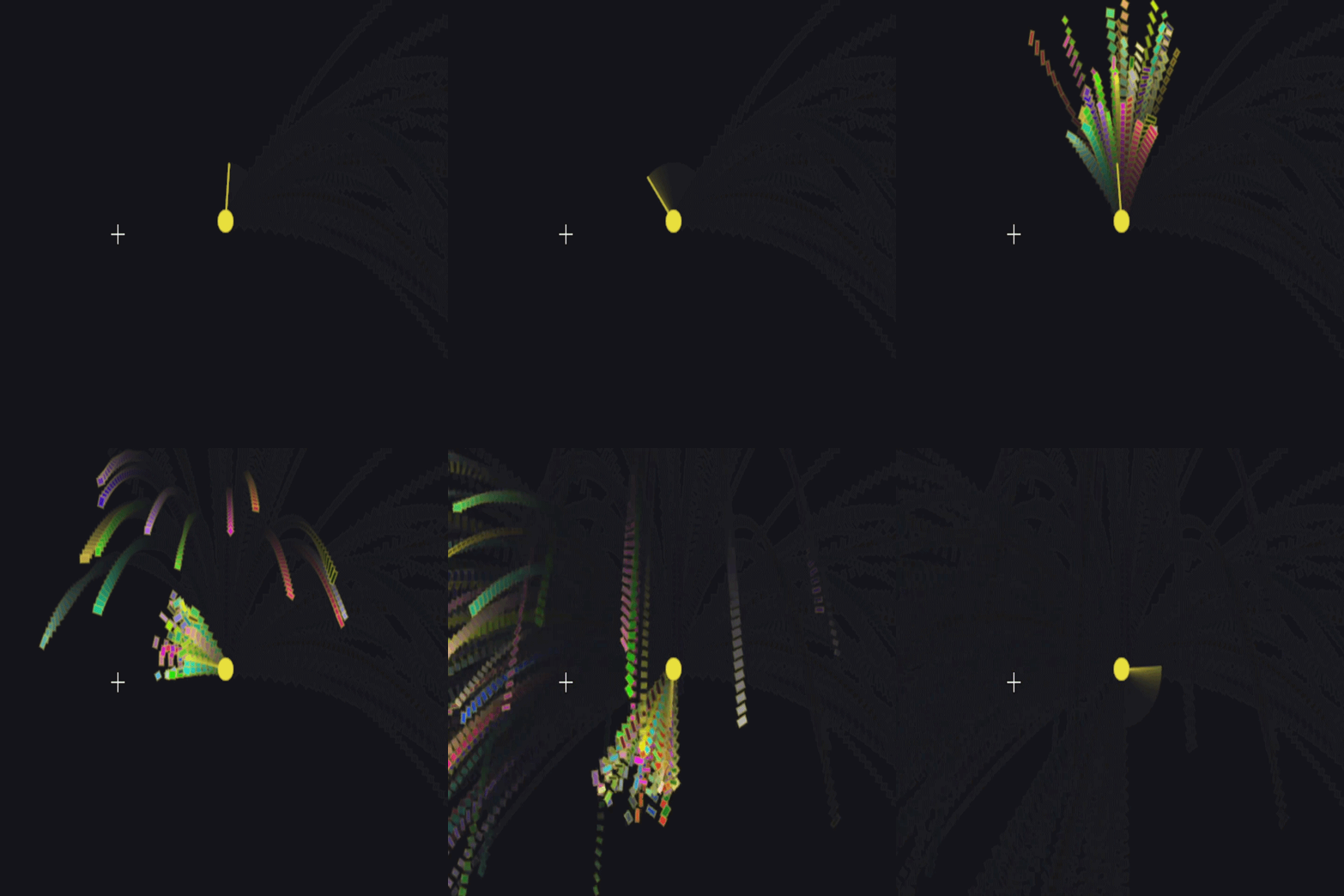
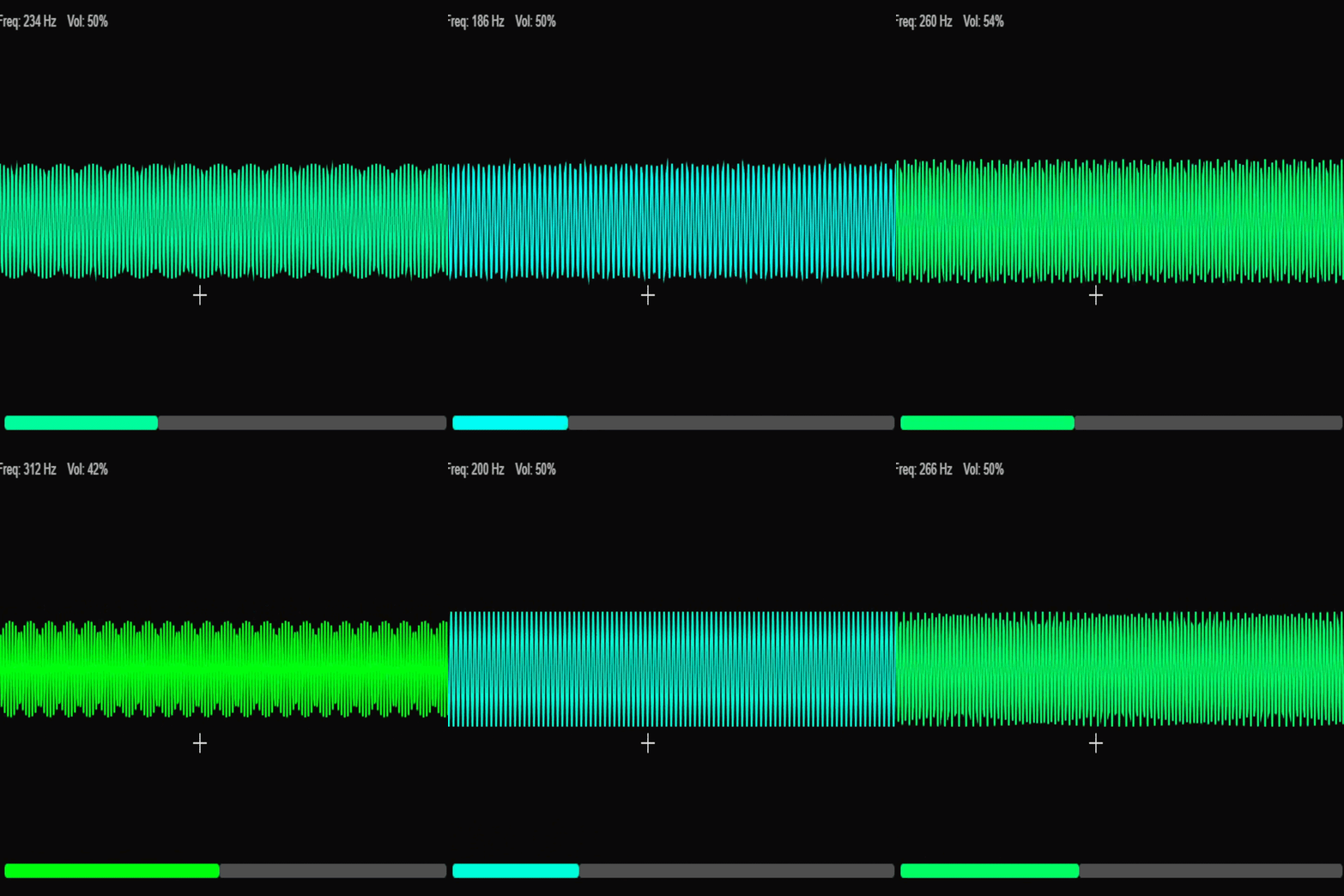
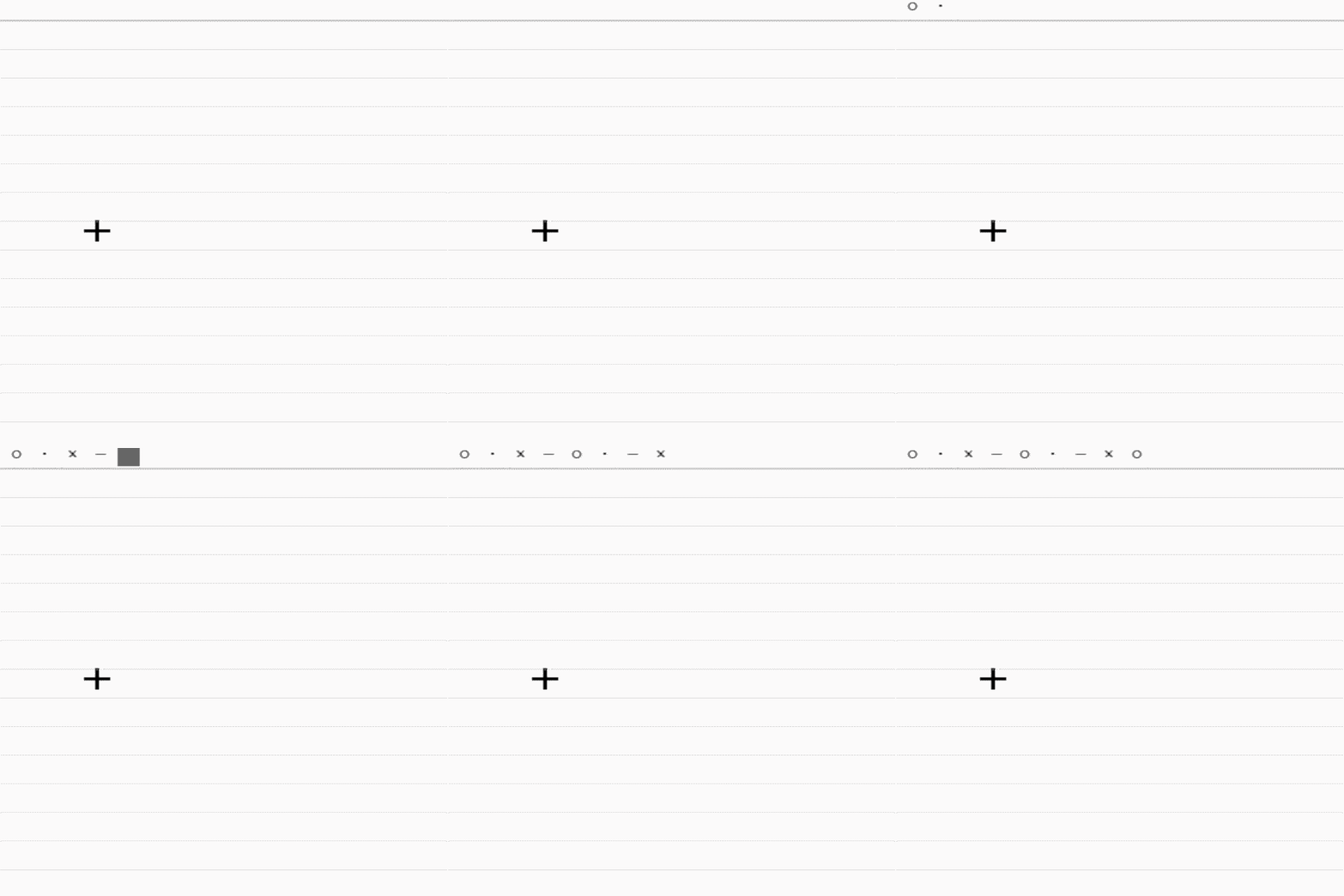
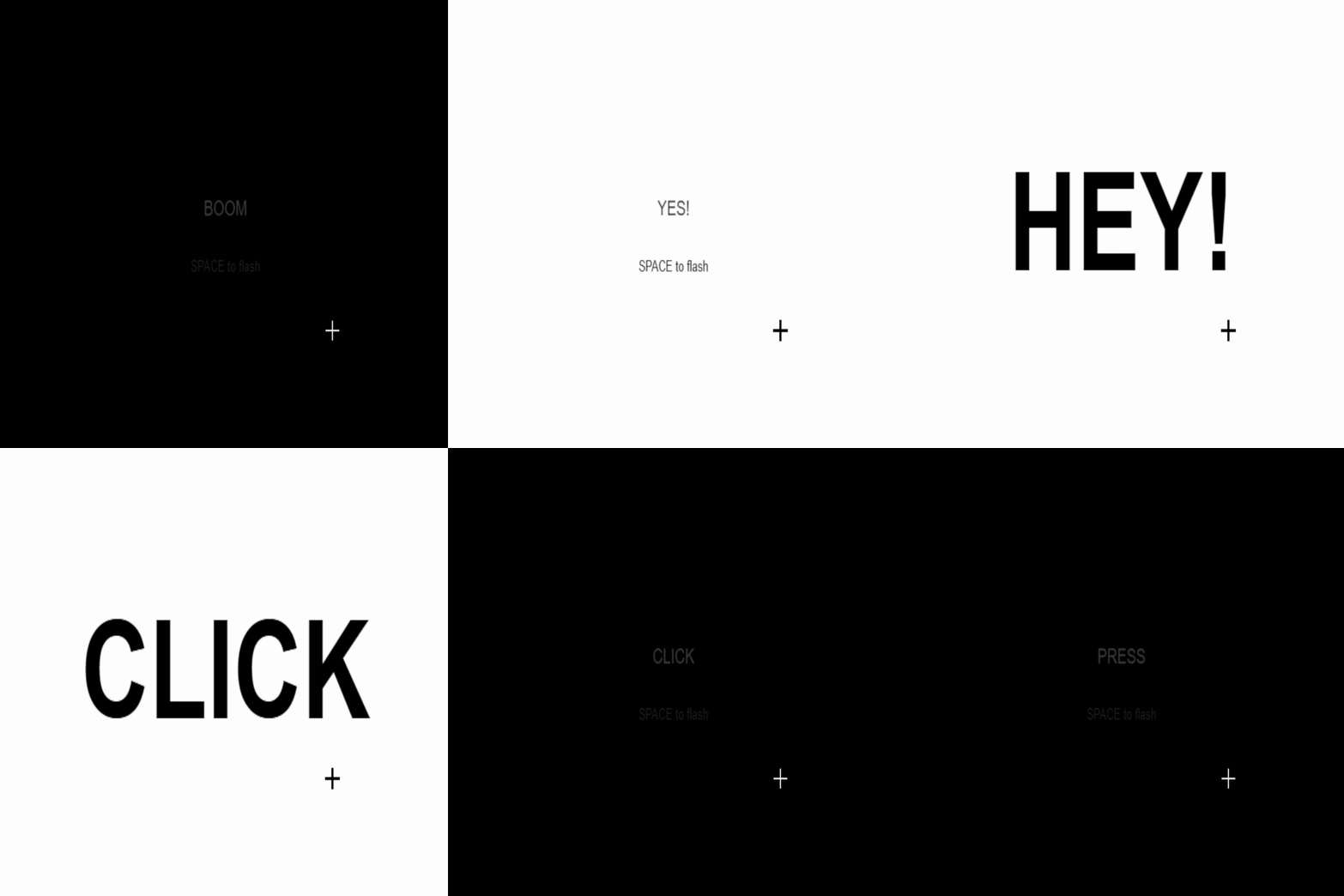
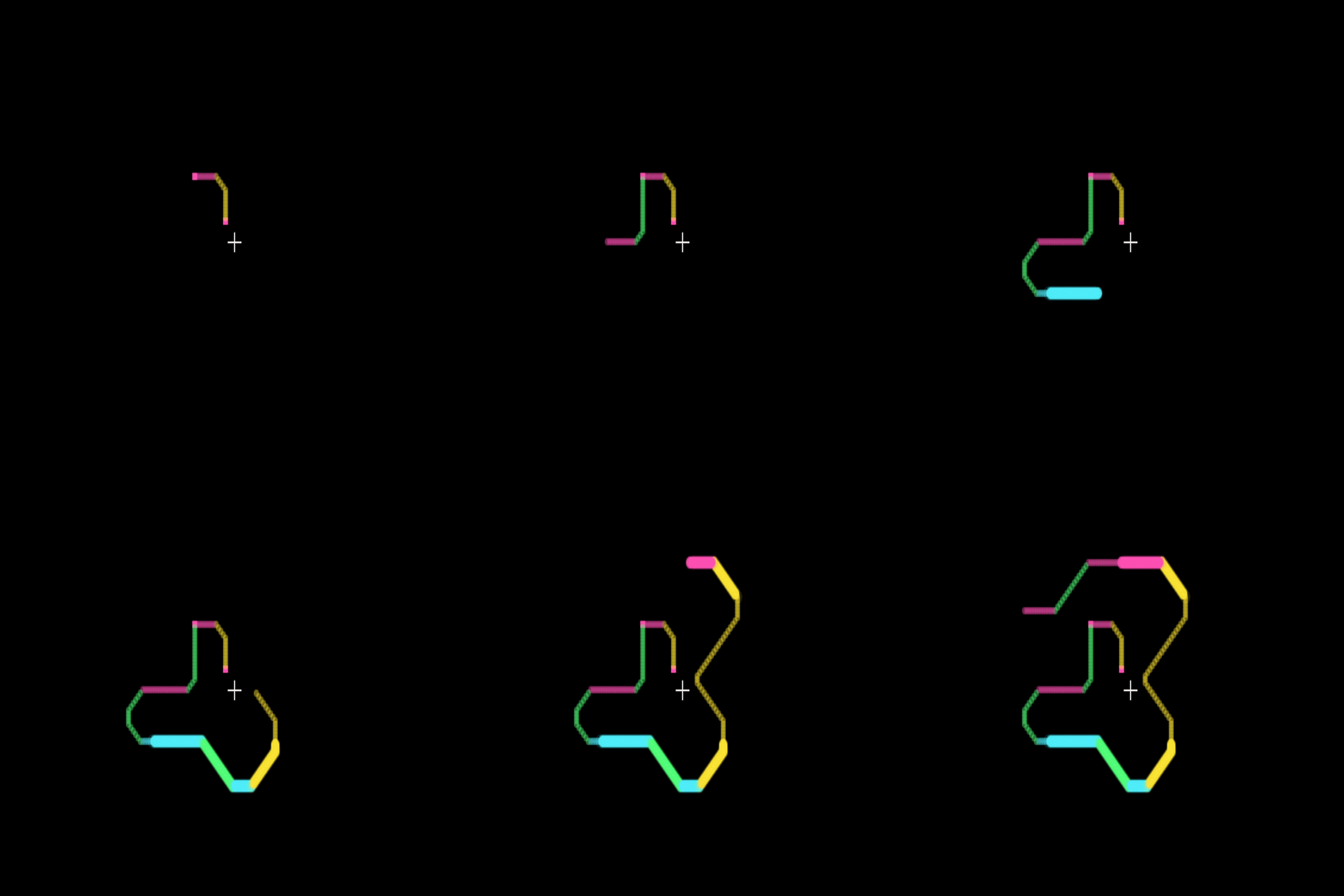
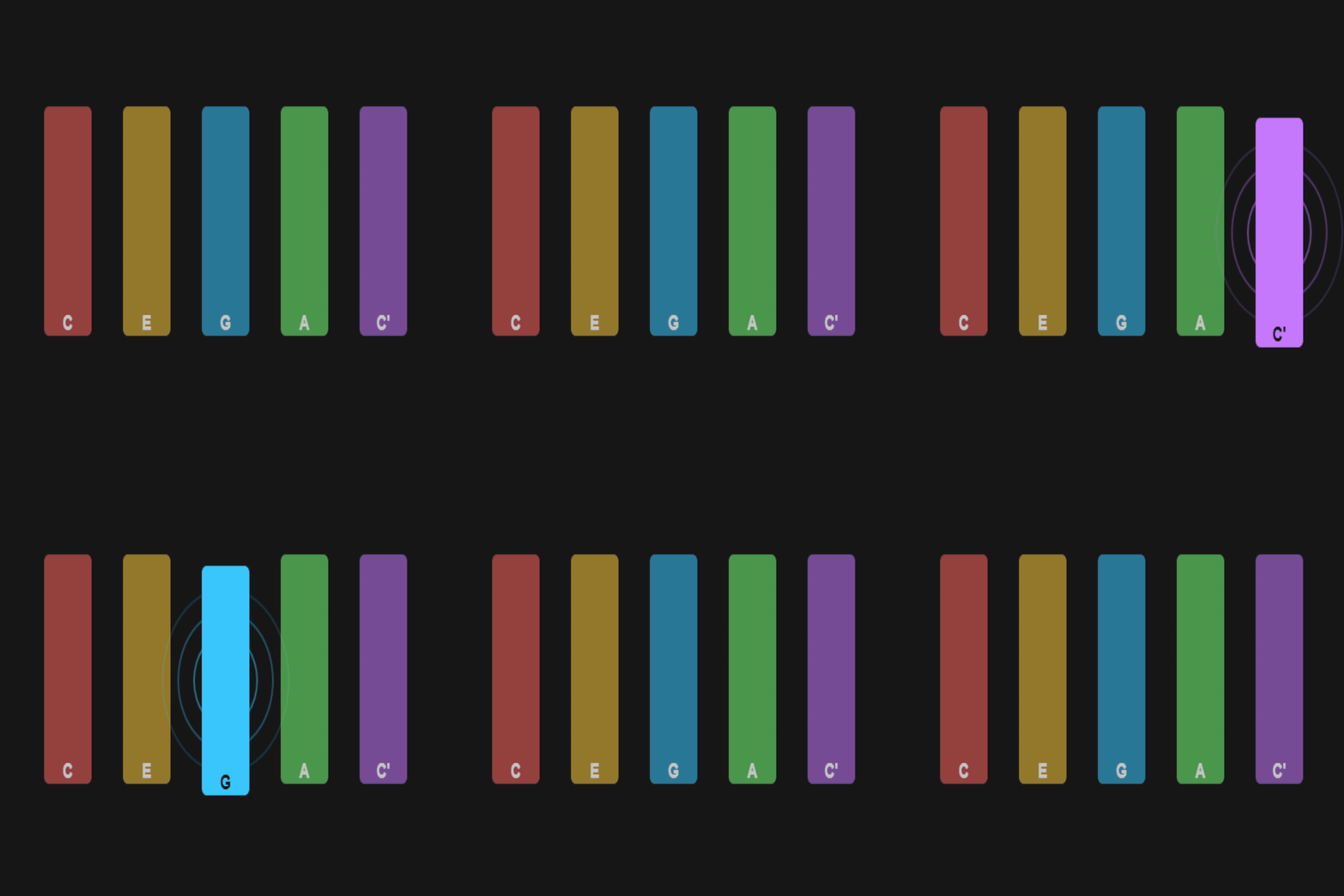
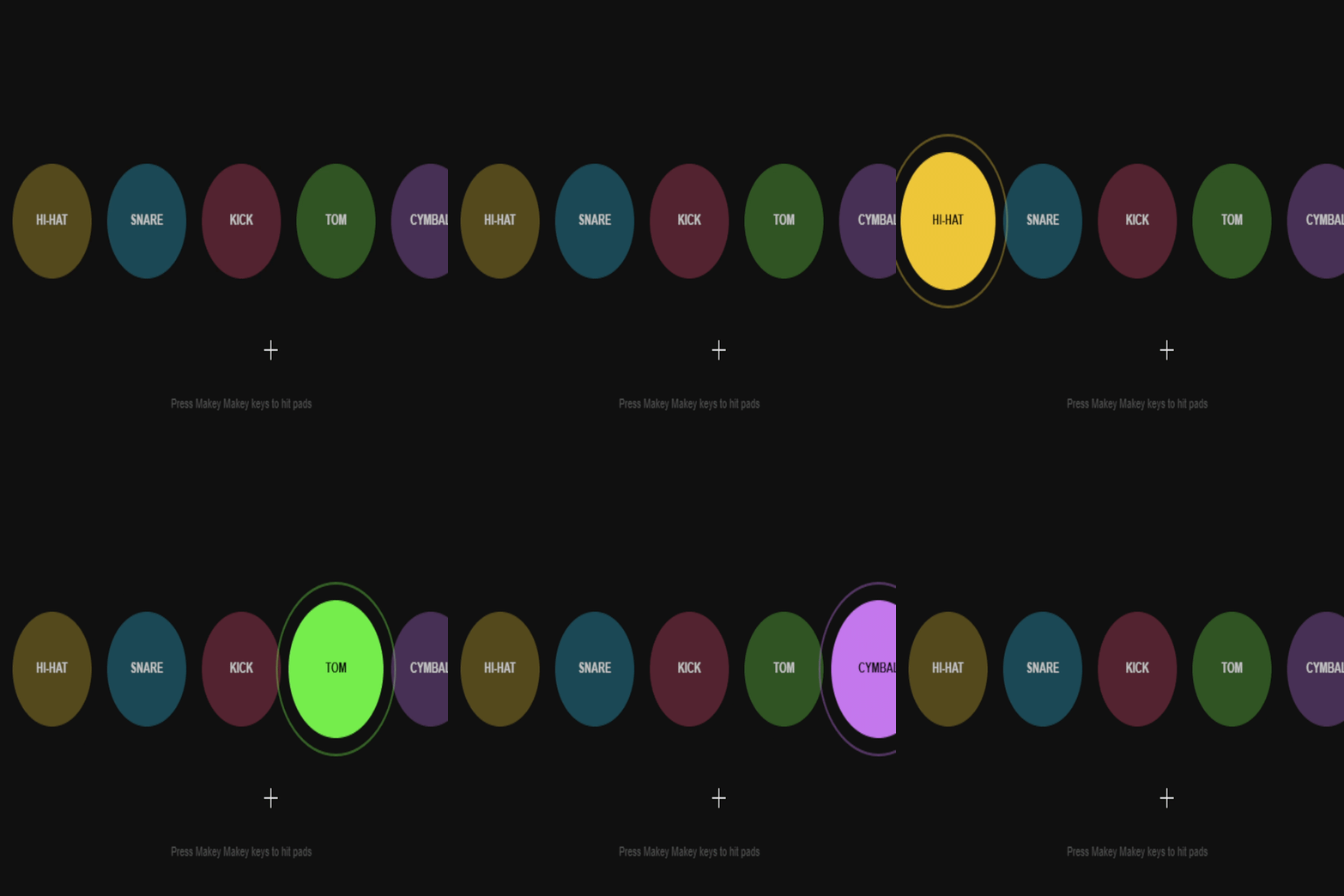
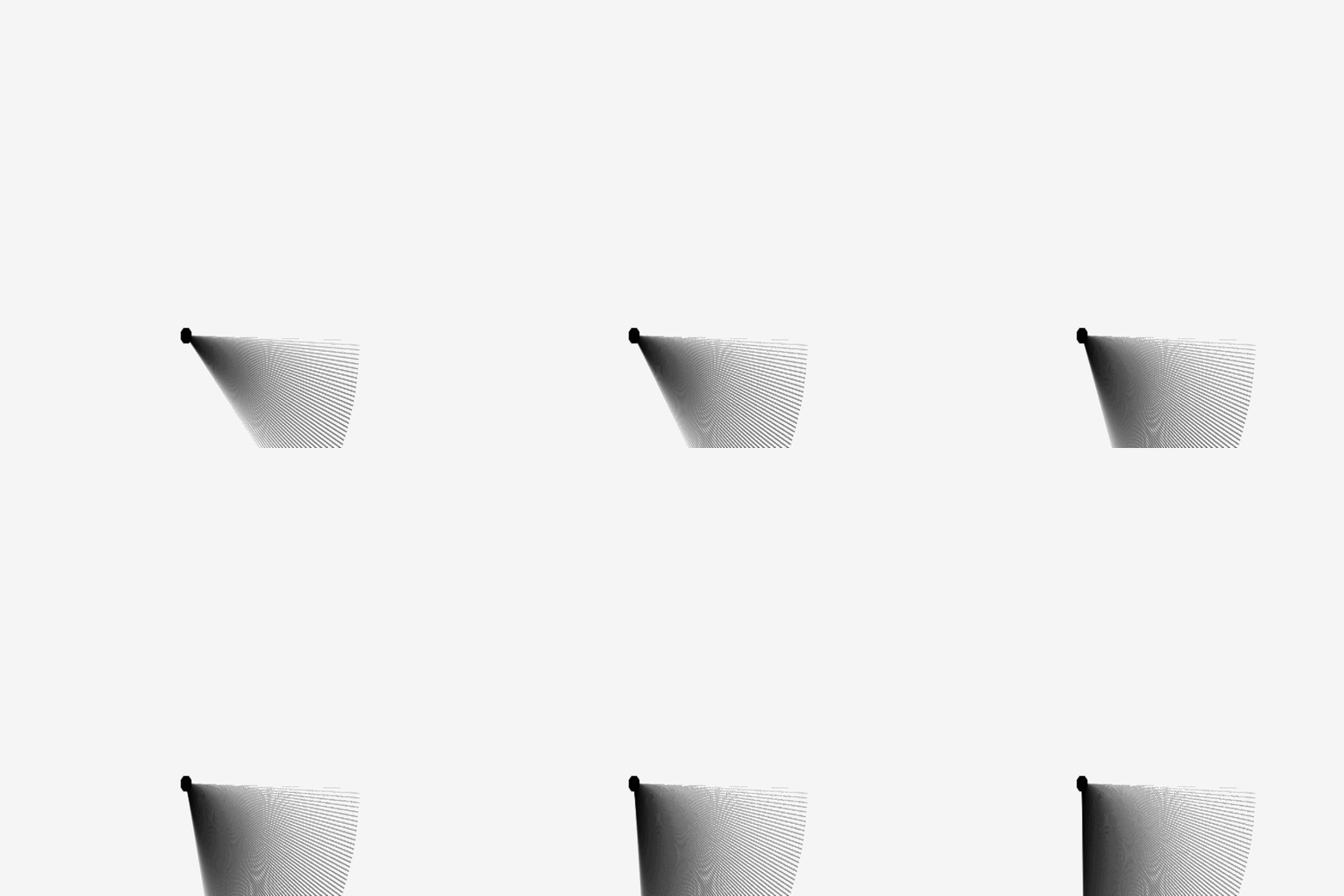
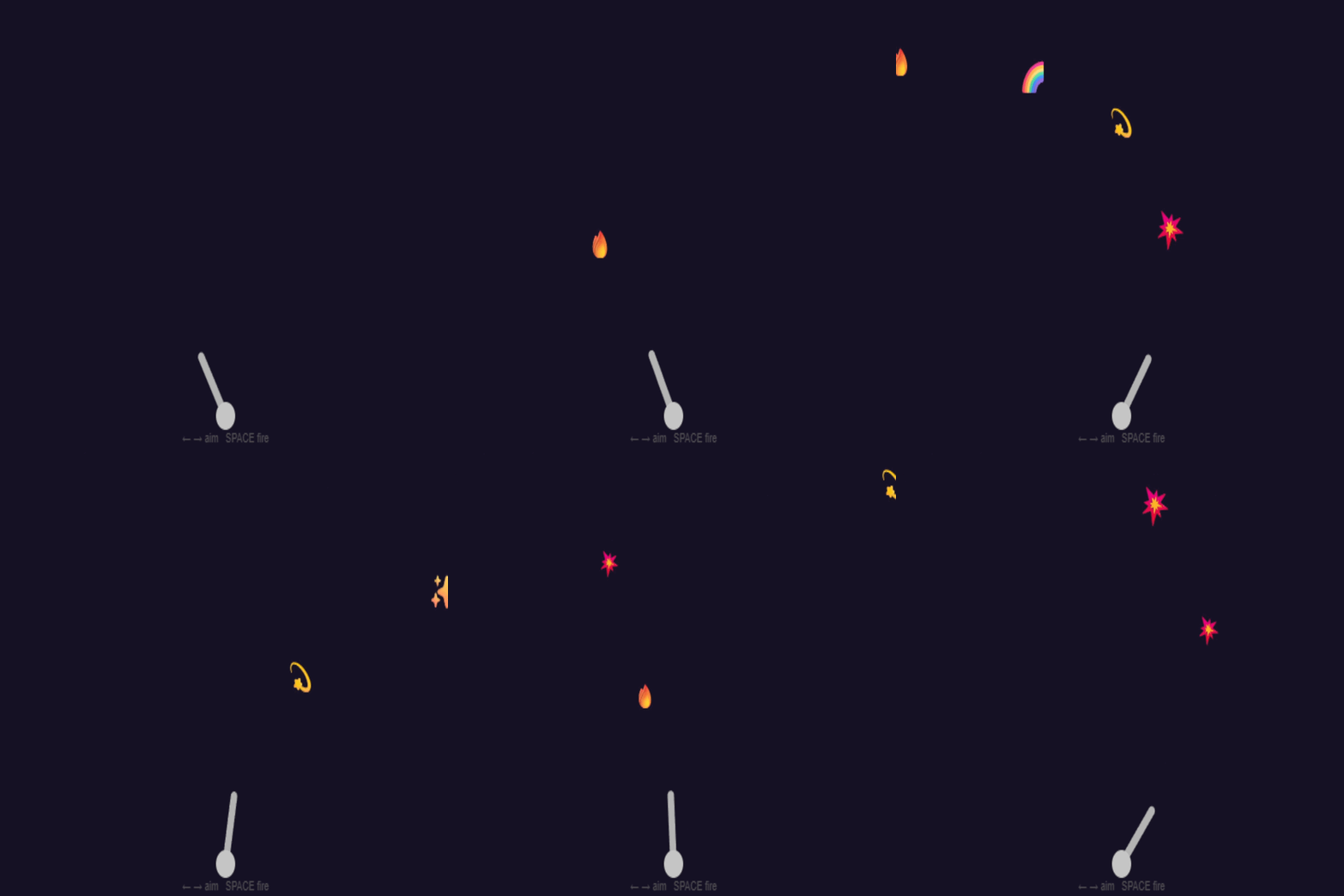
You move a yellow dot around the screen with the arrow keys. That's it. It taught me how p5.js redraws everything 60 times a second and how keyIsDown() checks if a key is being held right now. Hold different arrow keys to change the background colour. It smoothly blends between them instead of snapping. I learned about lerpColor() which gradually moves one colour toward another, like a slow fade instead of a light switch. Move a cursor around and press space to drop a shape. Every stamp is a different colour and it cycles through circle → square → triangle. Kind of like a rubber stamp toy. A ball you can push left and right, and jump with SPACE. It falls back down on its own. This is where I first understood velocity, the ball doesn't teleport, it accelerates. Gravity is just adding a tiny bit of downward speed every frame. Arrow keys move a brush around a white canvas and it draws as it goes. SPACE randomises the colour. The trick is simply not clearing the screen each frame, that one change turns movement into drawing. Up and down grow and shrink a shape, left and right spin it. First time using push() and pop() which let you rotate things without rotating everything else too. tars scroll past like you're flying through space. The bigger ones move faster which fakes depth. Space toggles warp mode which is just everything going 4x faster but it looks great. Move a little dot around and press space to spawn a bubble that expands and fades out. You can aim it anywhere on the canvas and fill the screen with rings. Move around and leave a glowing coloured trail behind you. The colours shift from cyan to yellow and older pixels fade out. Each key draws a different waveform, sine, square, sawtooth, noise. Press space to show all four at once. No actual audio, just the shapes of sound. Move through a dark grid and wherever you go lights up teal. The glow slowly fades so it looks like you're painting with light. A colour wheel that spins with left and right. Up and down change the speed, space brakes it. Simple but weirdly satisfying. The whole screen flashes when you hit space. Short press is a dot, long press is a dash. It logs your pattern at the bottom so you can actually tap out real morse code. You can see the score count climbing. The ball speeds up slightly as you get better at it. Glowing blobs drift around the screen. Each arrow key adds a different coloured one. Very calming to watch, especially in a dark room. Hold space to fire a stream of emojis that arc through the air and fall with gravity. Aim with arrows. Fun one to put in front of someone who's never seen Makey Makey before. Left and right slide the frequency, up and down change amplitude. The wave on screen gets faster and taller as you push the values. Named after a theremin, an instrument you play without touching. Each key types a symbol onto ruled paper. It advances like a real typewriter and wraps to the next line. Satisfying in a weirdly low-tech way. Space flashes a big word on screen for a split second. Cycles through words like WOW, BOOM, GO. The kind of thing that works really well in a dark space. Draw glowing lines on black, each arrow direction is a different colour. Three overlapping lines (wide glow, mid glow, bright core) fake the neon tube effect. Taught that layering simple shapes can replace fancy effects. Five keys, five coloured bars. Press one and it pushes down and sends ripples out. No sound but somehow still feels like playing something. Each key is a drum, HI-HAT, SNARE, KICK, TOM, CYMBAL. They light up and pulse when hit. Good demo piece because non-coders immediately understand what's happening. Lines radiate from a central point and build up into a dense fan shape. The background doesn't fully clear each frame so old lines linger and stack. The whole visual comes from that one thing, a near-transparent background instead of a solid one. Press space to drop shapes and use arrows to change gravity direction. You can make everything fall sideways or float up. Gravity is just a number added to velocity, change the direction of that number and the whole world flips. The polished version with trails, spin, and burst fire on keypress. Same idea as before but with more physics and better feel. Shows what happens when you go back to something and actually finish it.

Activity 2
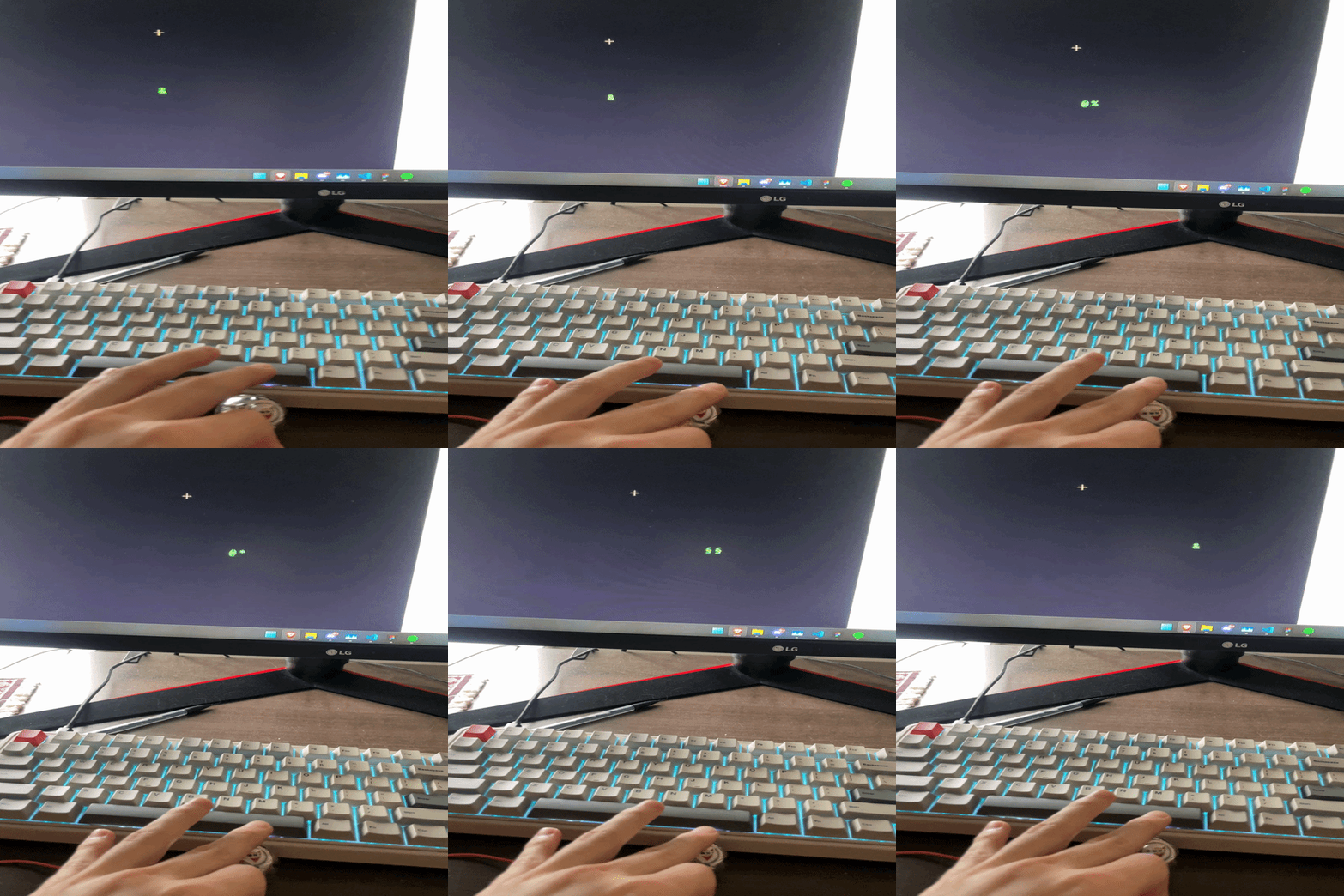
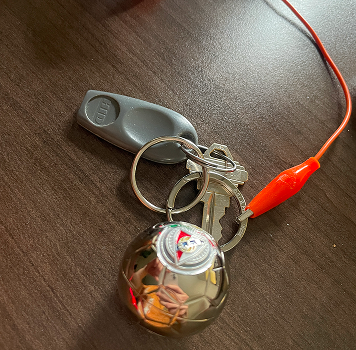
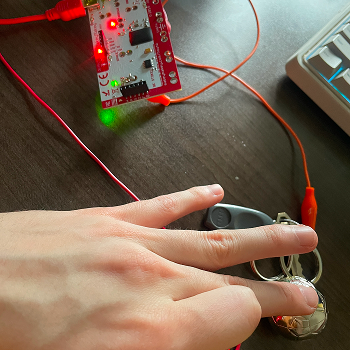
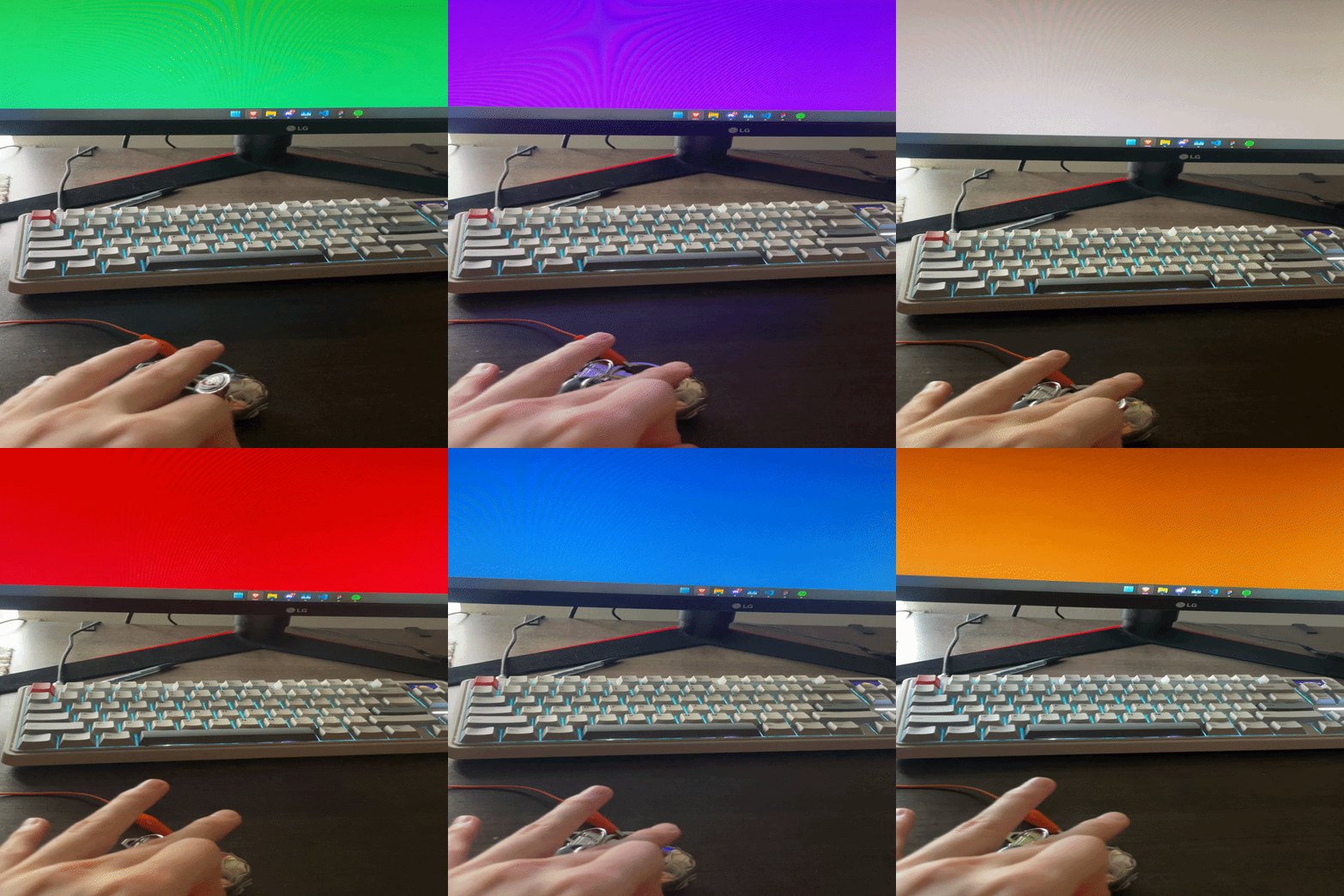
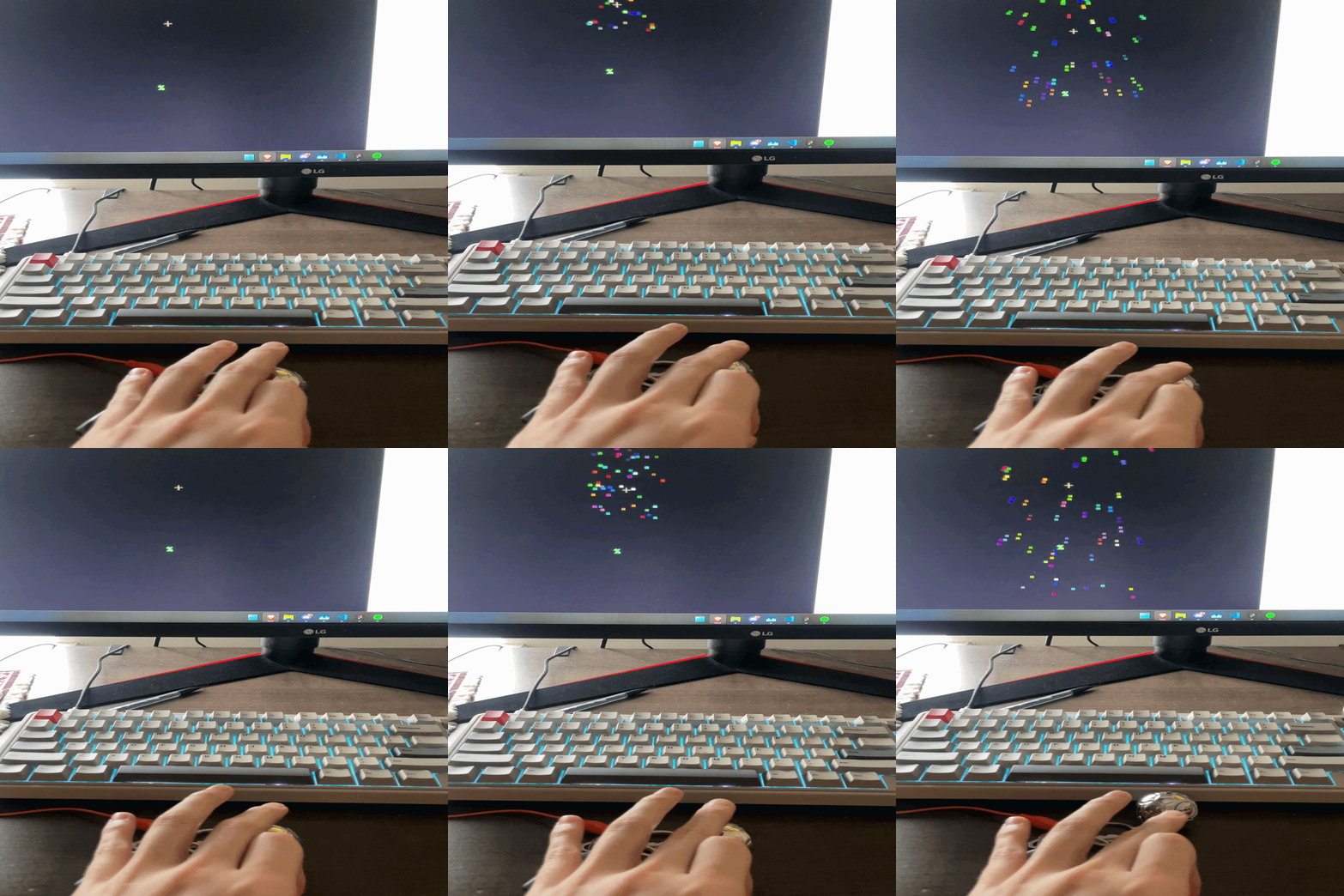
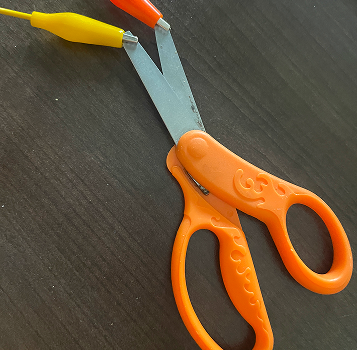
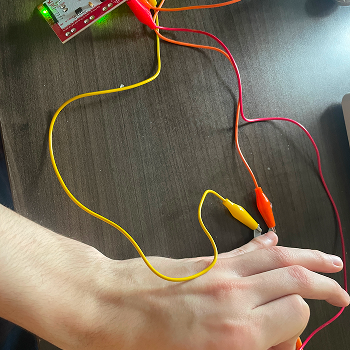
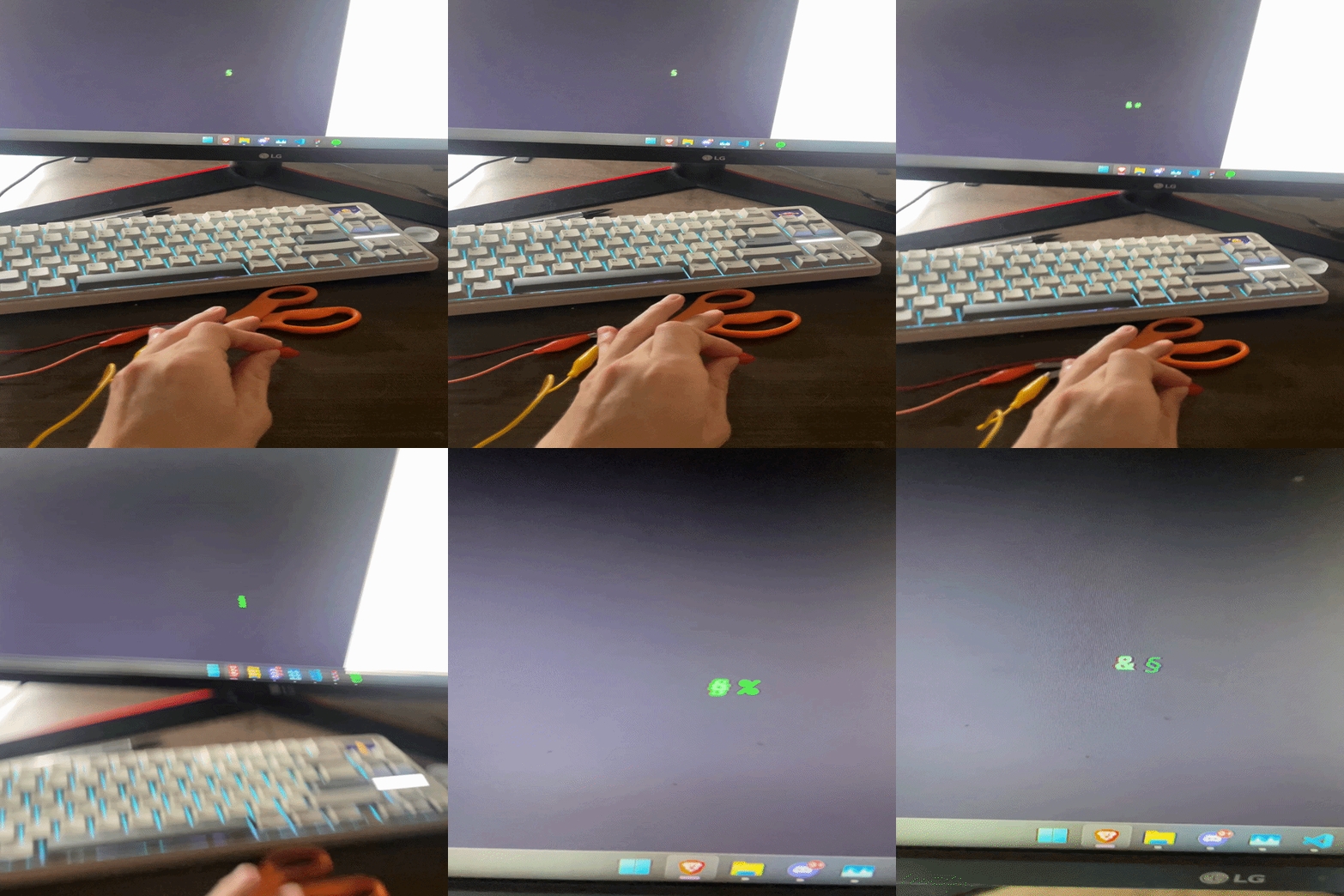
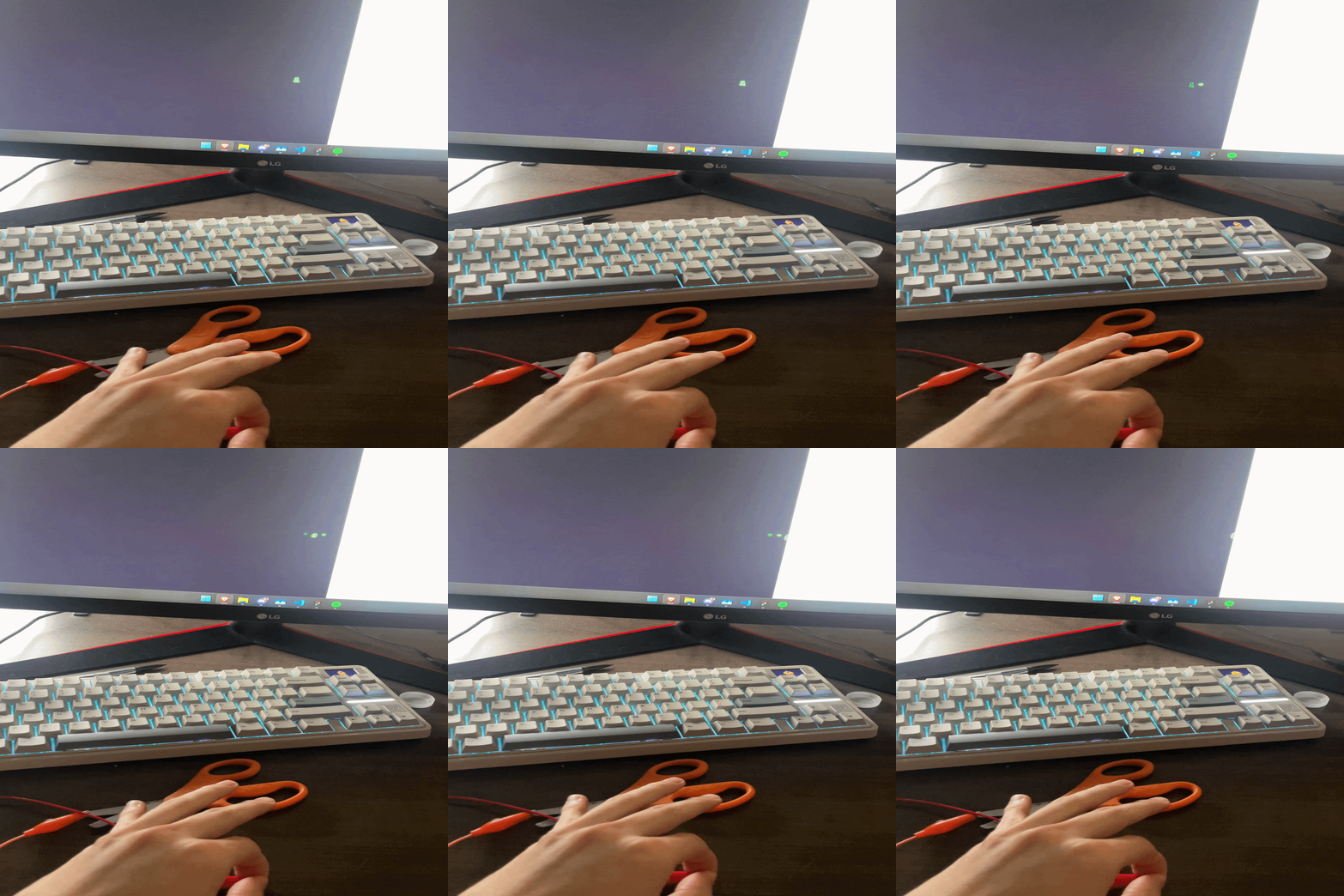
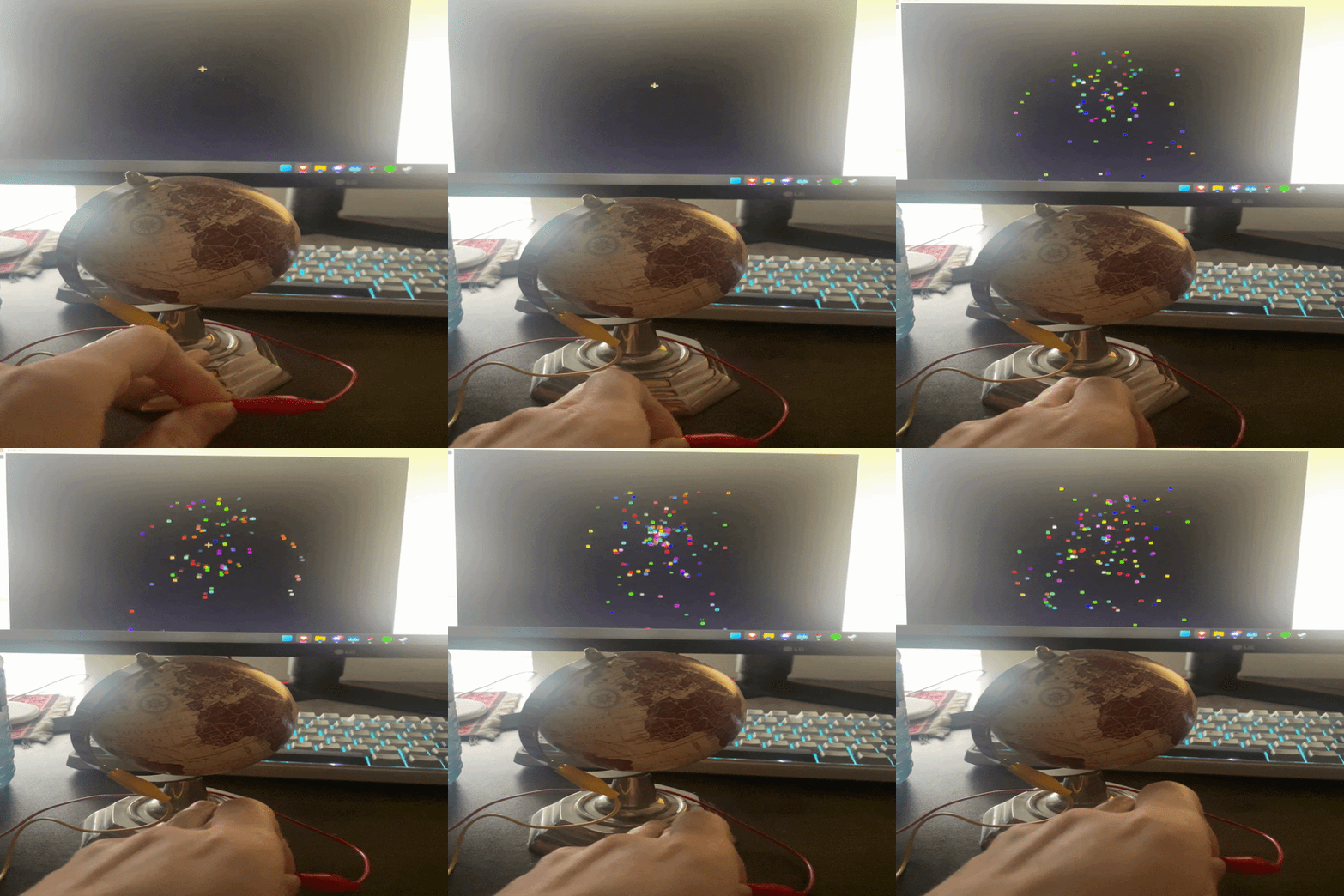
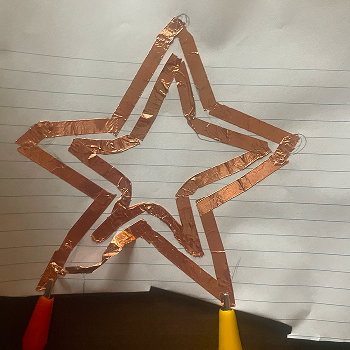
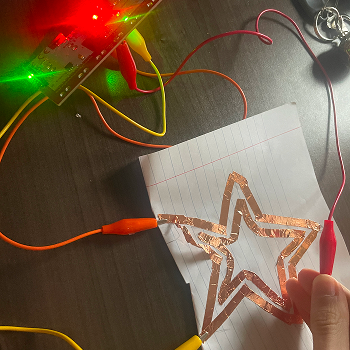
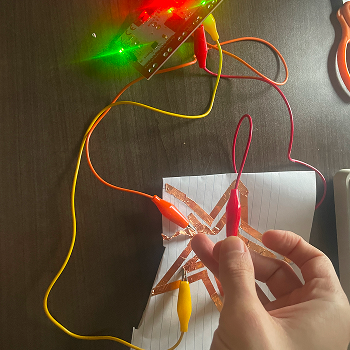
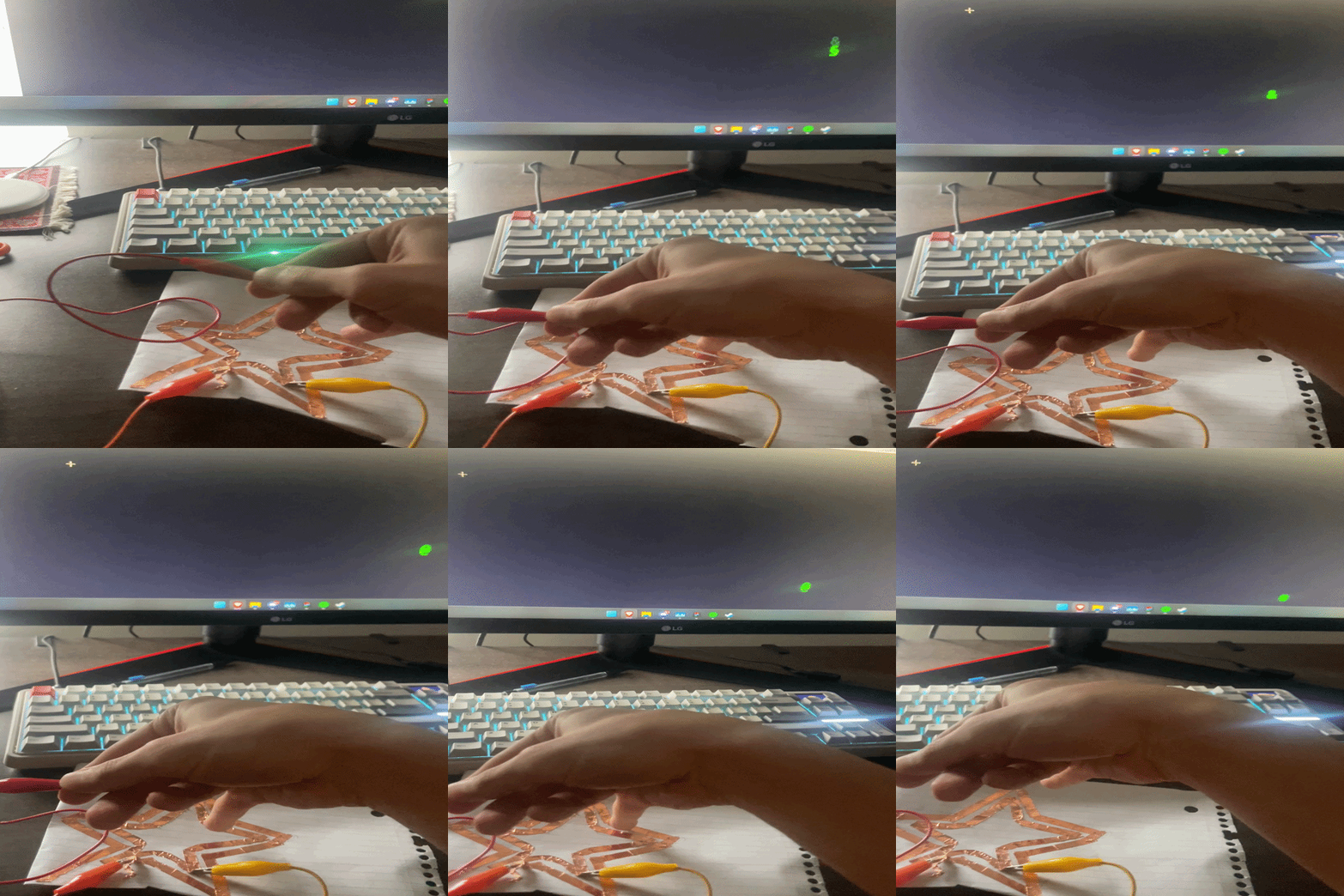
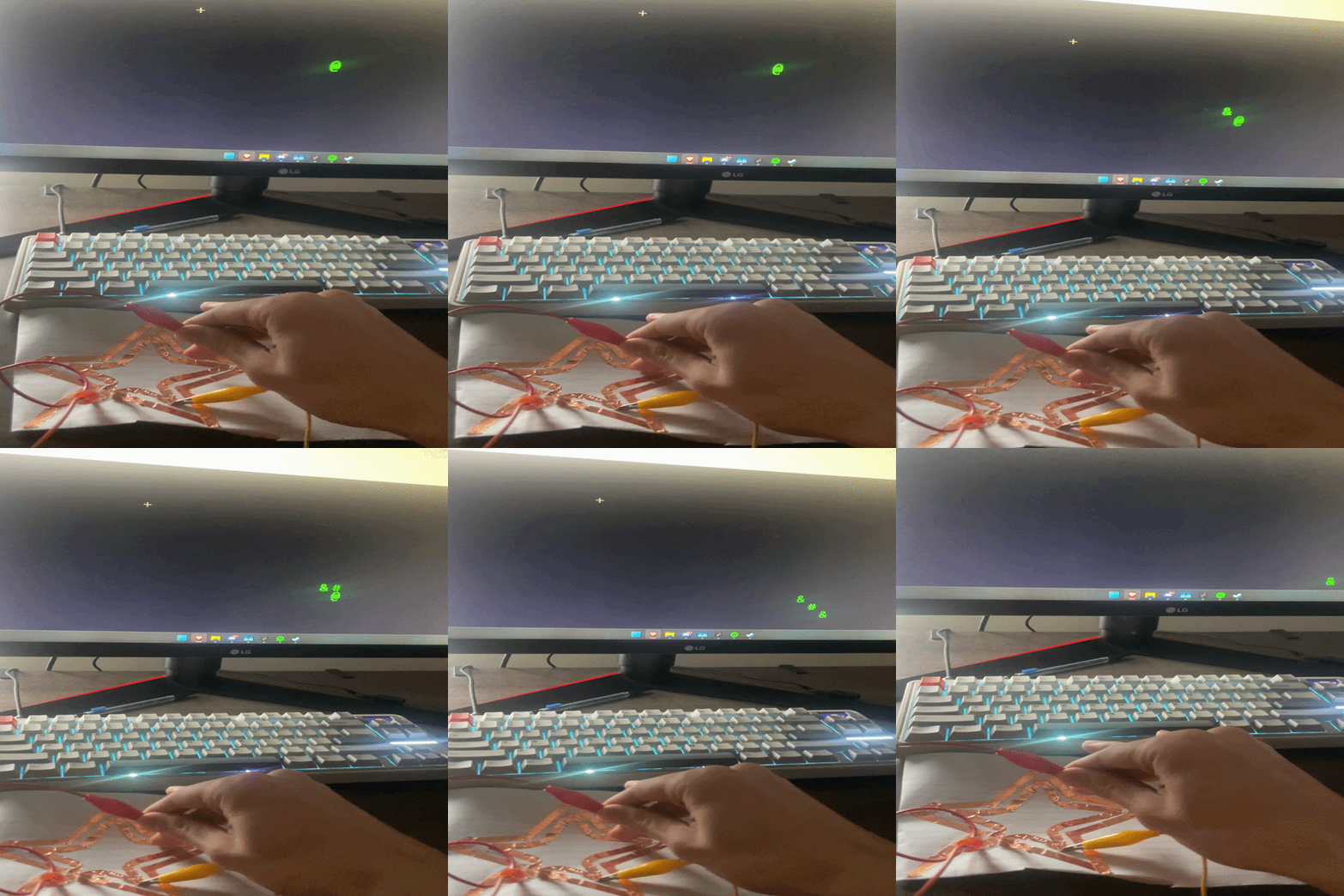
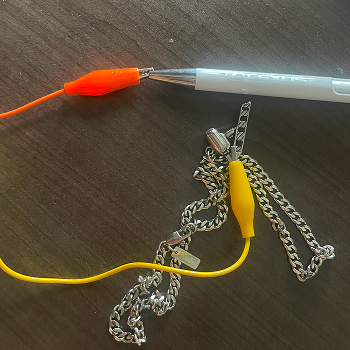
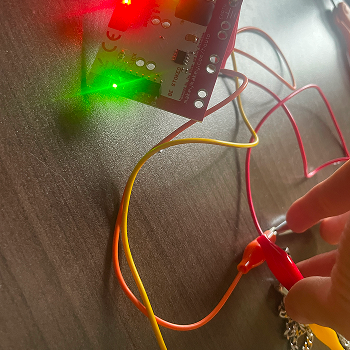
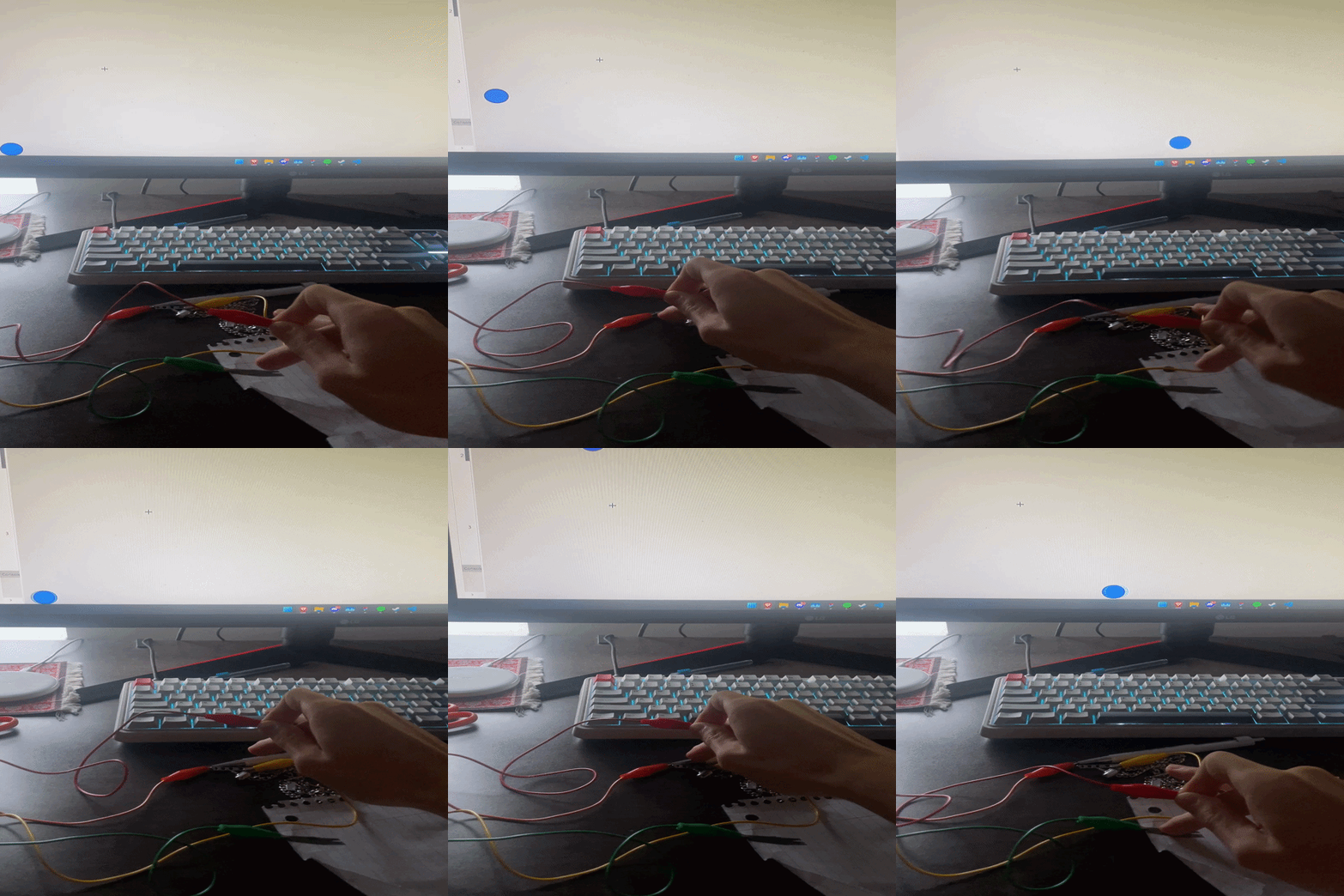
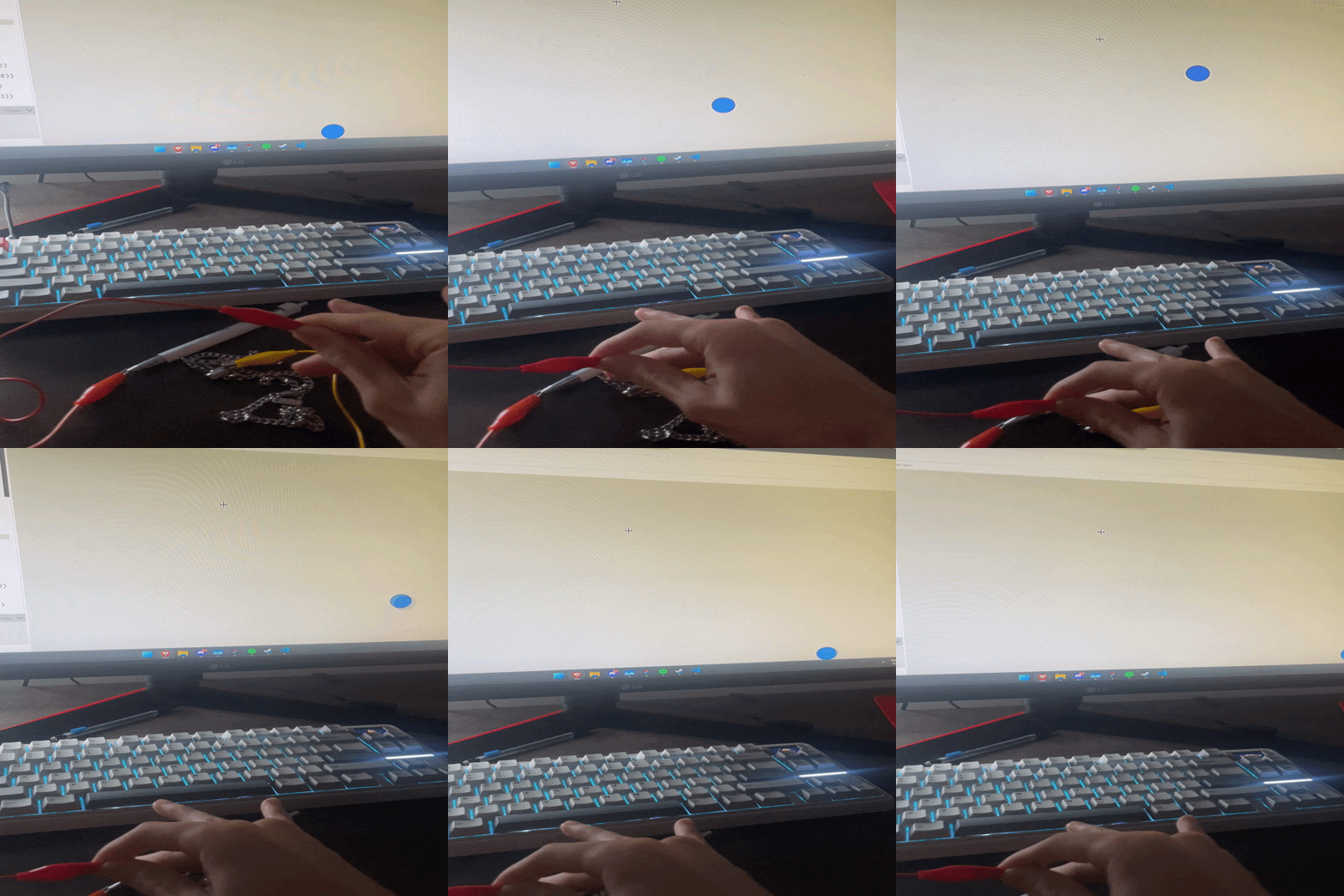
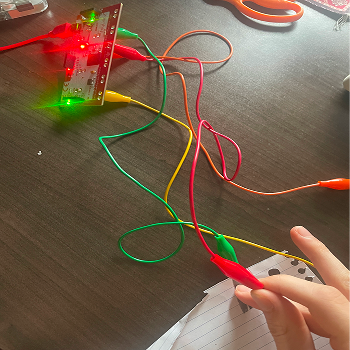
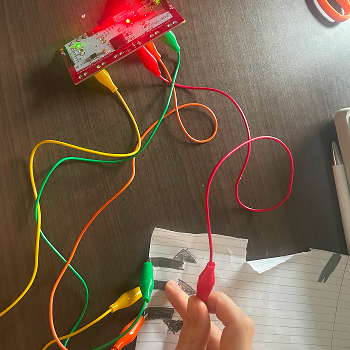
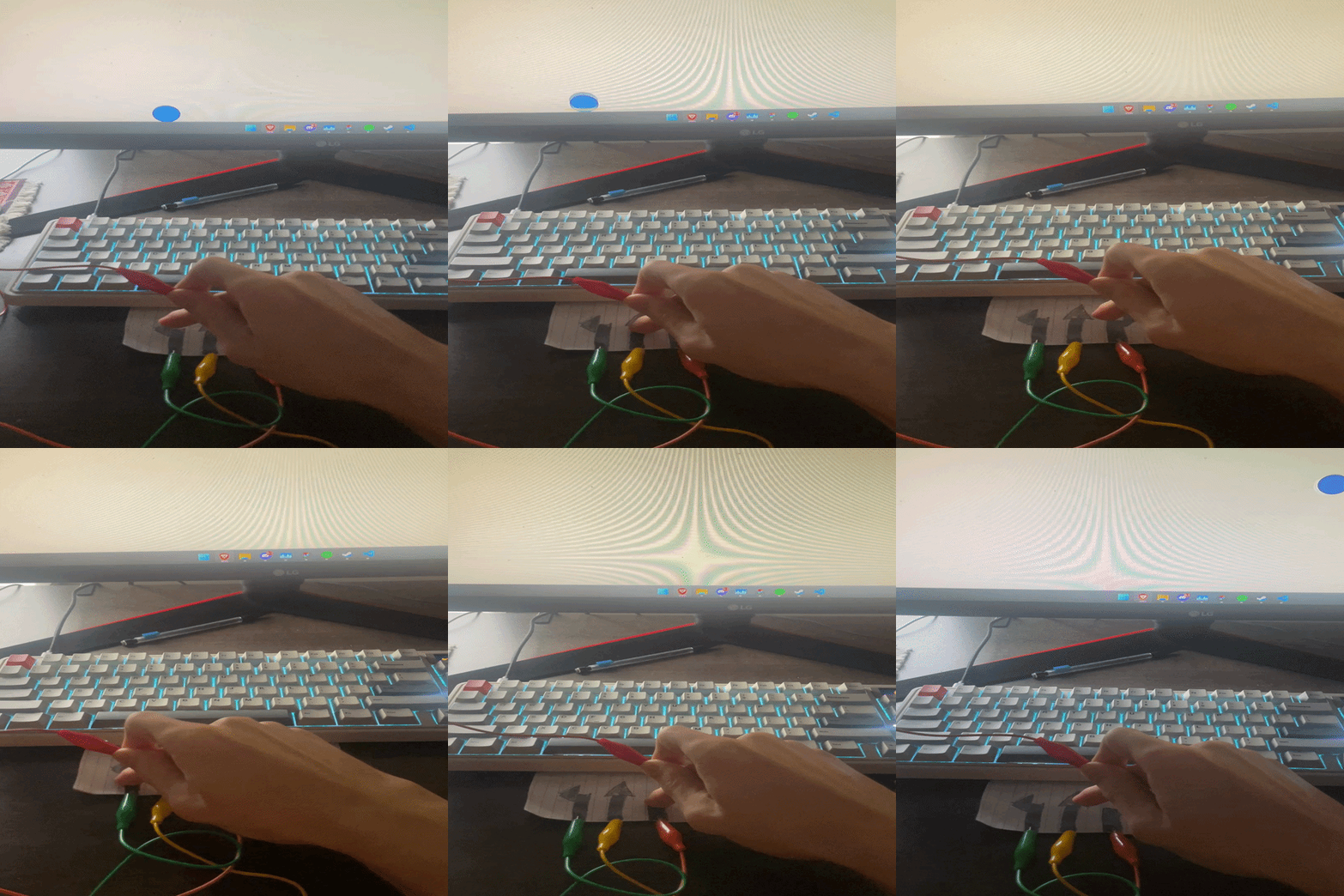
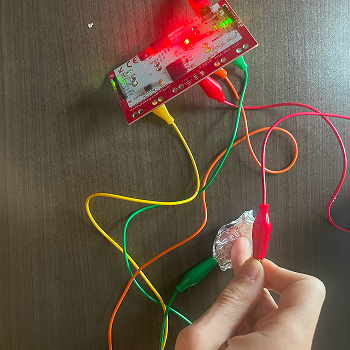
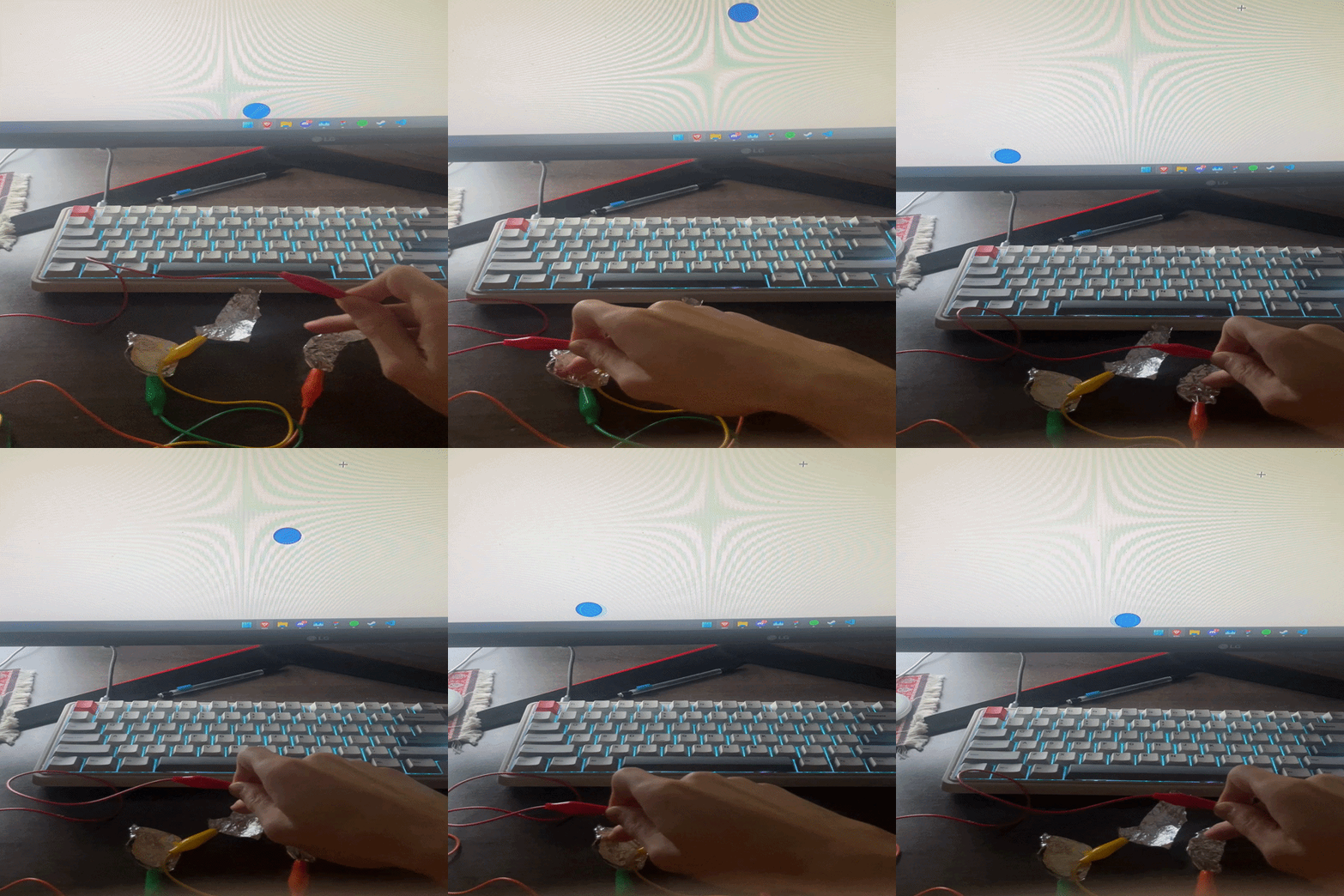
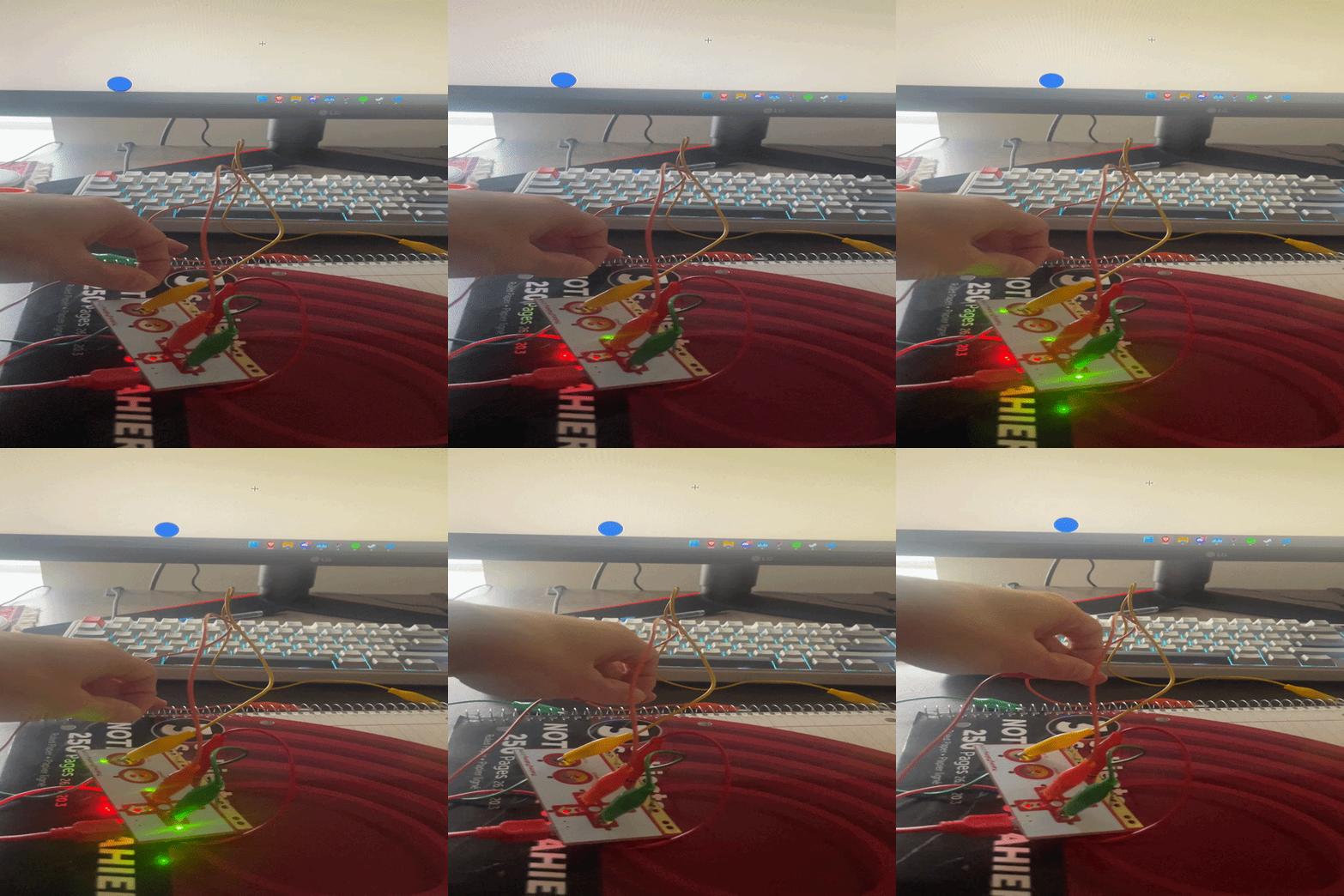
Testing the Makey Makey space key using a finger as the conductive contact, observing how the p5.js sketch responds to a single keypress input.  Testing the up arrow key with a finger contact, noting the responsiveness of the Makey Makey to light touch and how the p5.js particles shift position on screen. Testing different visuals with p5 Testing different visuals with p5 Testing different visuals with p5 Connecting a pair of scissors to a single alligator clip to test conductivity, the metal blades successfully complete the circuit when touched, triggering a keypress. Connecting the scissors to two alligator clips simultaneously, one on each blade, testing whether holding the scissors open or closed changes the interaction behaviour. Exploring the scissors as a two-handed input, one hand on each blade, to see if the human body acting as a bridge between the two clips completes the circuit. Iterating on the scissors interaction by adjusting clip placement and grip position, refining which part of the tool most reliably triggers the Makey Makey. Testing a decorative globe as a conductive object out of curiosity, touching the metal base to see if it completes a circuit and triggers a response in the p5.js sketch. Connecting it to a single strip of copper tape on paper, testing whether a finger drag along the tape registers as a sustained keypress. Testing two separate copper tape paths on the same sheet, each connected to a different clip, exploring whether two distinct inputs can be triggered independently. Bridging the two copper tape paths with a finger to complete the circuit between them, testing the body as a conductor between two separate conductive surfaces. Iterating on the copper tape layout by adjusting path length and spacing, observing how distance between paths affects the ease and reliability of triggering inputs. Testing a copper tape star shape as a single continuous conductive surface, touching different points of the star to see if the shape allows consistent circuit completion. Connecting a metal chain to an alligator clip and testing it as a touch-based input, draping and holding the chain to explore how its flexibility changes the interaction. Using pencil graphite drawn directly on paper as a conductive path, connecting a clip to the drawn line and testing whether a finger dragged along it completes the circuit. Testing a game with 3 different inputs Testing a game with 3 different inputs Testing graphite Exploring a new graphite layout with multiple drawn paths arranged in a grid, testing whether different finger positions along the drawing trigger different keys. Iterating on graphite layout by drawing looping or curved paths, exploring whether path shape affects how naturally a user interacts with the surface. Testing aluminum foil as a conductive surface, cutting a small piece, connecting a clip, and touching it to compare its conductivity and feel to copper tape and graphite. Layering foil over a graphite drawing to test whether combining materials improves conductivity or creates unintended short circuits between inputs. Testing a notebook as an interaction surface, attaching a clip to the spiral binding and touching the metal coil to see if it reliably triggers the Makey Makey.

Project 3


Final Project 3 Design

https://www.youtube.com/embed/nszc1xJ6td8
The final design is an integrated multi-mode system that bridges physical fluid movement with digital generative art. It consists of a physical vortex vessel, a water-filled cup lined with four conductive foil pads, connected to a p5.js environment. By tilting the cup, the user manipulates digital organisms, balances geometric structures, or navigates through hazardous currents. This setup transforms a simple kitchen object into a specialized controller, where the slosh of the water creates a natural damping effect, making the digital interactions feel weighted and organic rather than robotic.

Powered by w3.css